
Objective
Design Brief
Introduction
Define
This is the foundation for the next steps.
Car
Electric Vehicle (EV) SUV
Target Age
24-30
Drive
Right Hand Drive / Autonomous Vehicle
Goal
Seamless, Vehicle Controls, Entertainment
Market
INDIA
Year
2040
Display
Transparent Display
Persona
I imagined a person for this project. These are some ideas about who they are.
Name
Steven
Age
26
Gender
Male
Type
Urban Driver
Lifestyle
Young Professional, Tech Savvy
Usage
Work travel, Weekend Outing
Needs
Clean, Simple, Minimalist, Stay Informed, Entertained
Feature list
Infotainment
Home Screen
MEDIA
Drive Modes
Vehicle Info
HVAC
Weather
Battery CHarging
Trends
Infotainment
DARK MODE
MICRO INteractions
Data Visualization
Voice uSer Interface
3d Interactive
Minimalism
Parallax
Placement
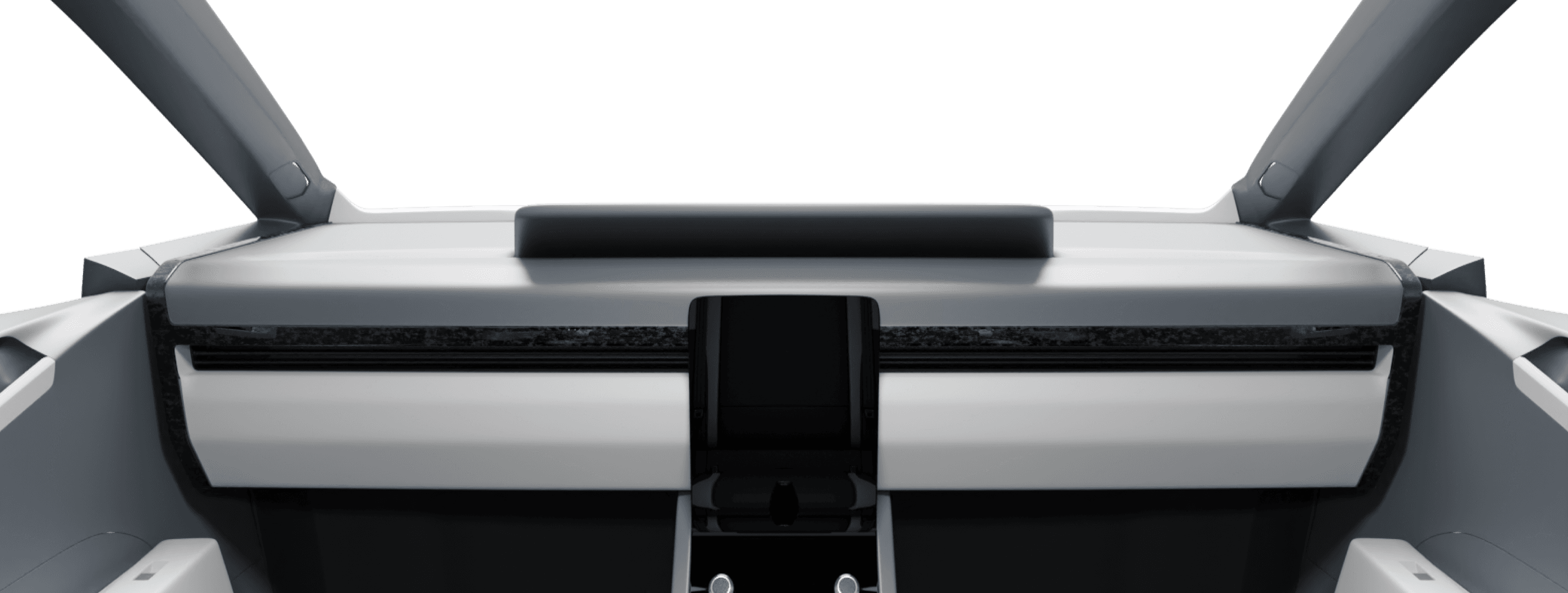
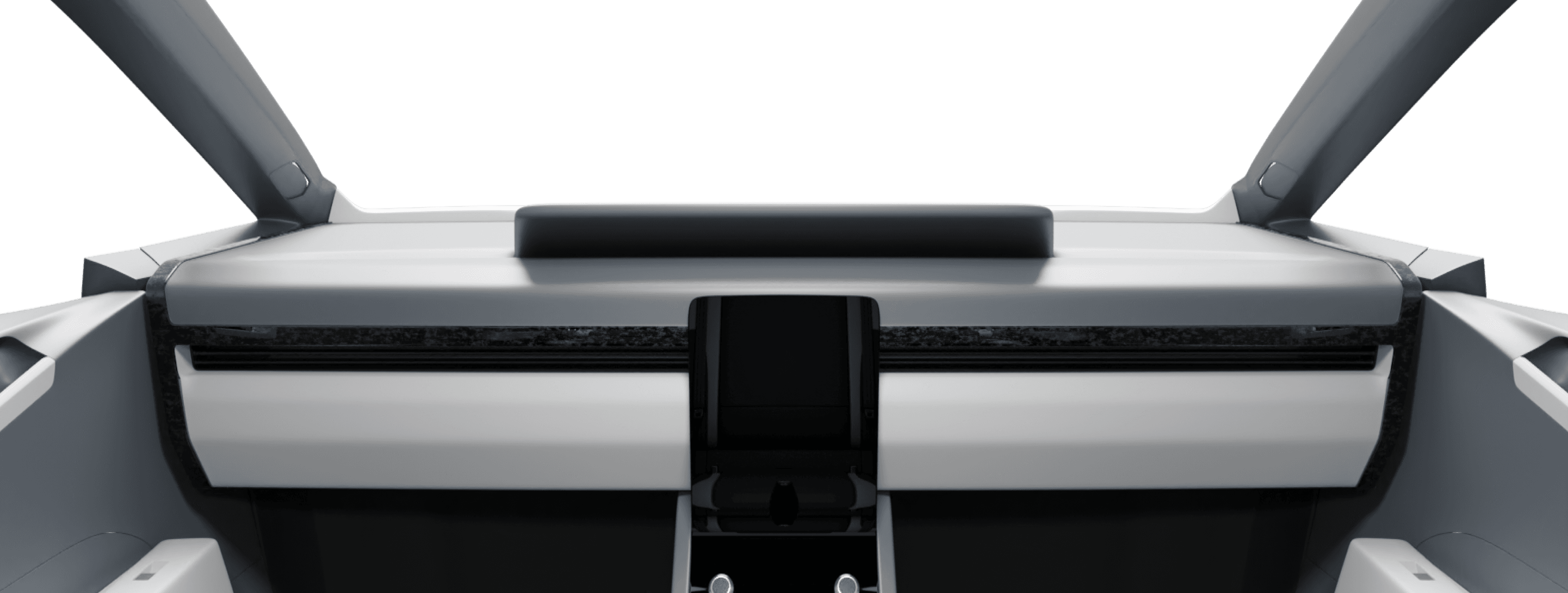
This shows where we'll put the IVI.
Typography
I've narrowed down the Typography options based on industry best practices.
SPLINE SANS
SPLINE SANS
SPLINE SANS
18Px . 24Px . 32Px . 40Px . 180Px . 240Px
Colour Palette
I've narrowed down the Typography options based on industry best practices.
BackGround

Active/ Selection
Stroke/Accent

Font
FINAL DEsign
VOice User Interface
Voice User Interface turns on as soon as you start the car


To activate the assistant
Say the Keyword “AURORA” or “RORY”
Home Screen / Main Controls
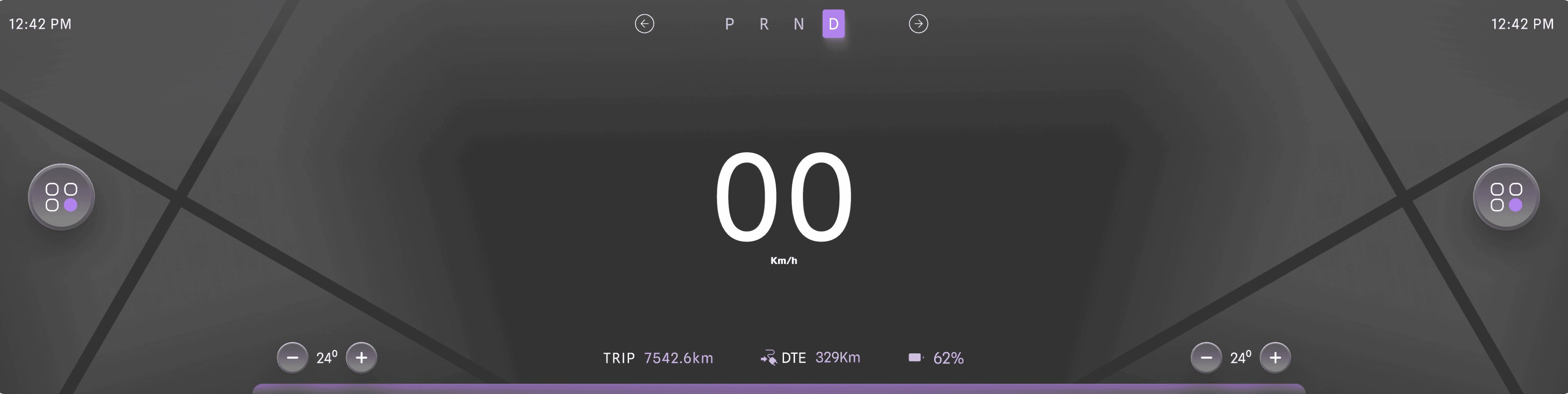
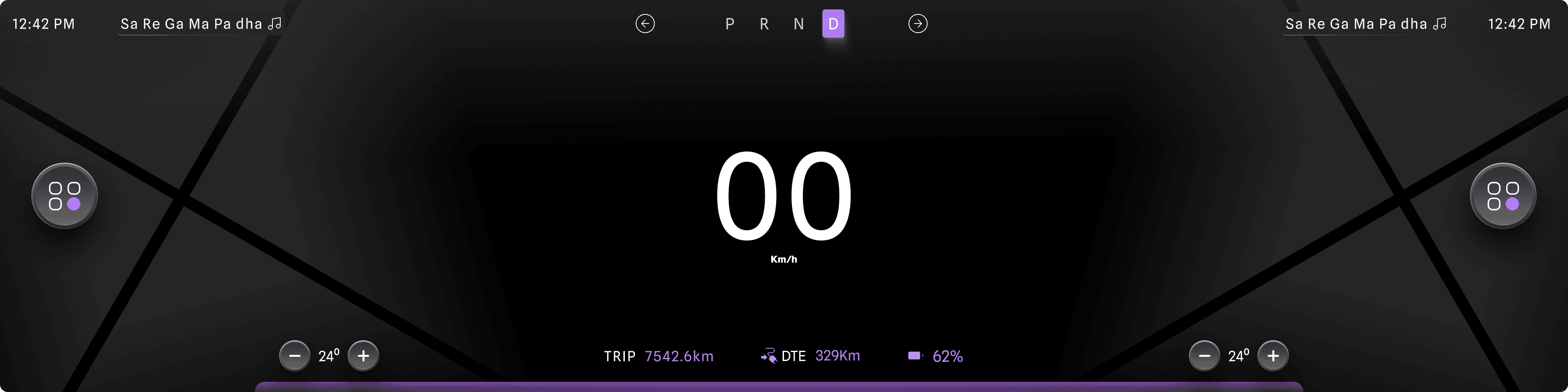
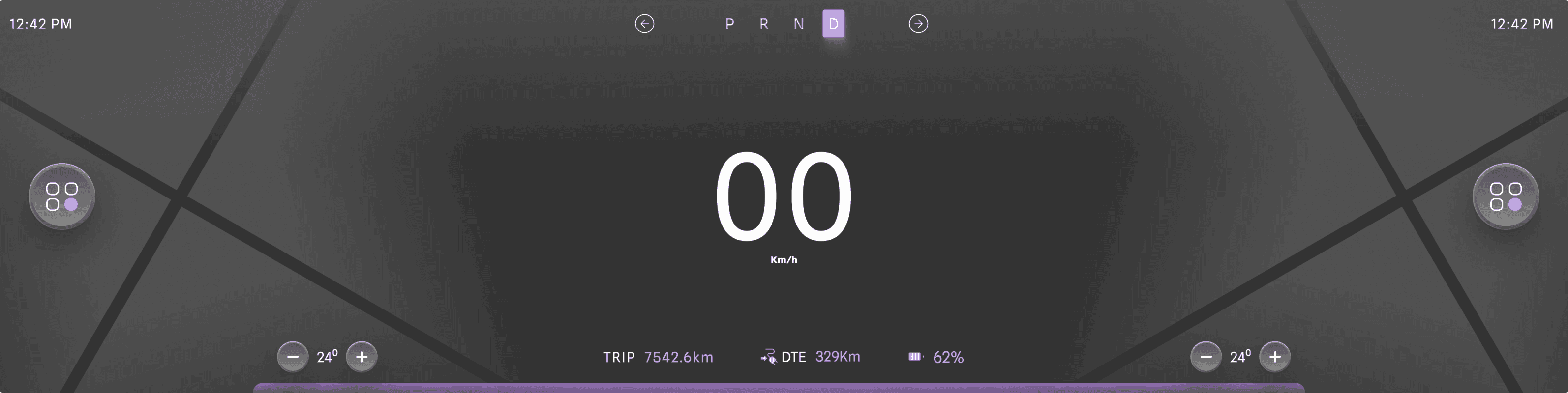
The Home screen shows the controls of the vehicle + Information of the cluster as I have defined before this is an autonomous vehicle information like Battery stats, Gear Information (PRND), blinkers and most important speed. The other information includes, climate controls, Menu Button, Time etc.
Hvac/ Climate Controls
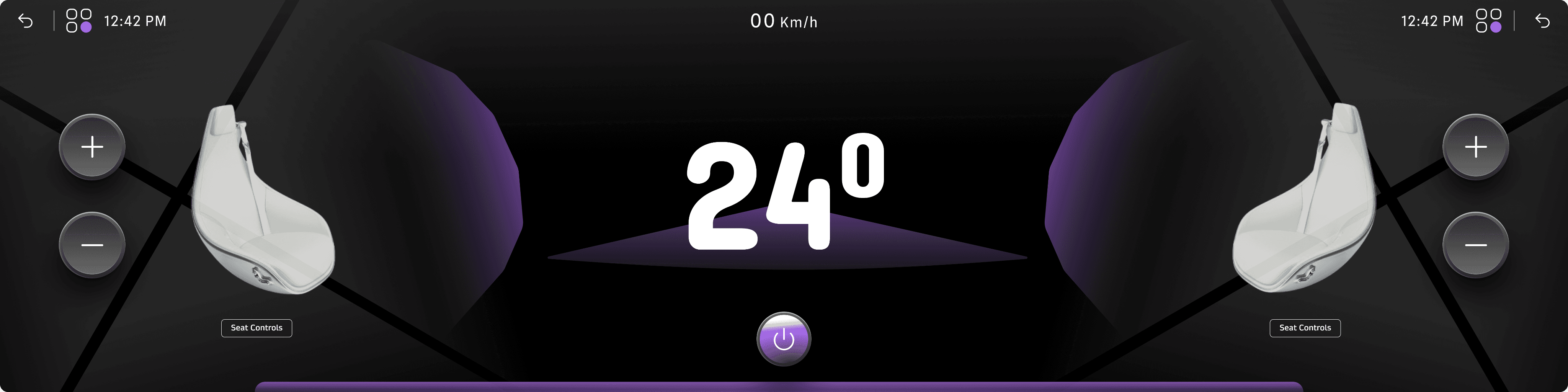
This is the climate control interface, divided into two sections. The main cabin temperature is displayed at the center, along with individual "+" and "–" controls for both sections. These controls also allow access to massage and other settings.
You might be wondering why the speed is displayed at the top center of the controls. Speed is one of the most critical pieces of information, and research indicates that it should be visible on every screen for better accessibility and user safety.
Music Player
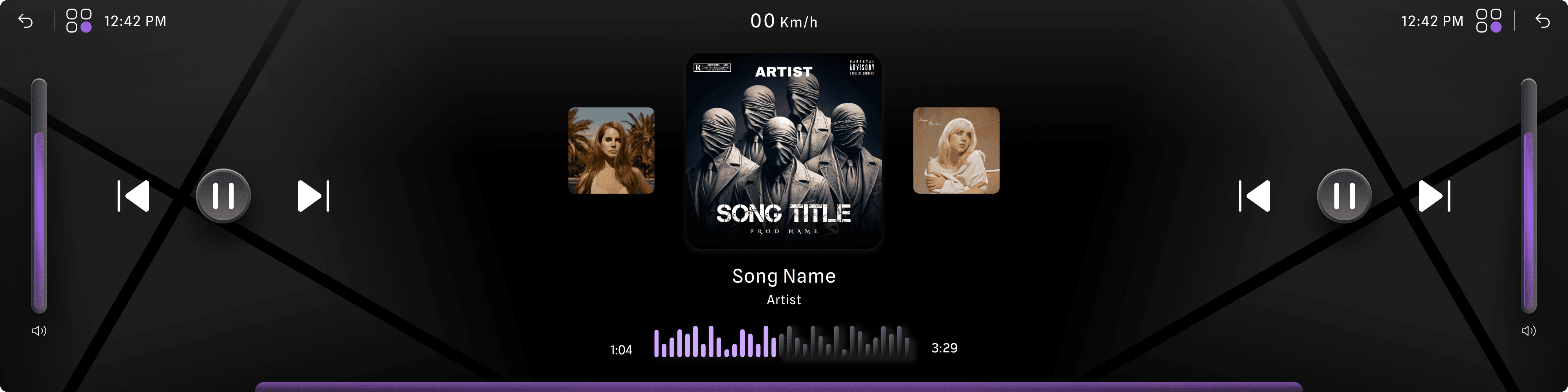
This is the music player. Now, you might be wondering why there are two sets of controls on the screen—play/pause controls and volume controls. The reason, as explained earlier in the placement and reach zones, is that both the passenger and driver have their own controls for ease of use. Otherwise, one of them would have to stretch too much to access the screen.
Car Controls
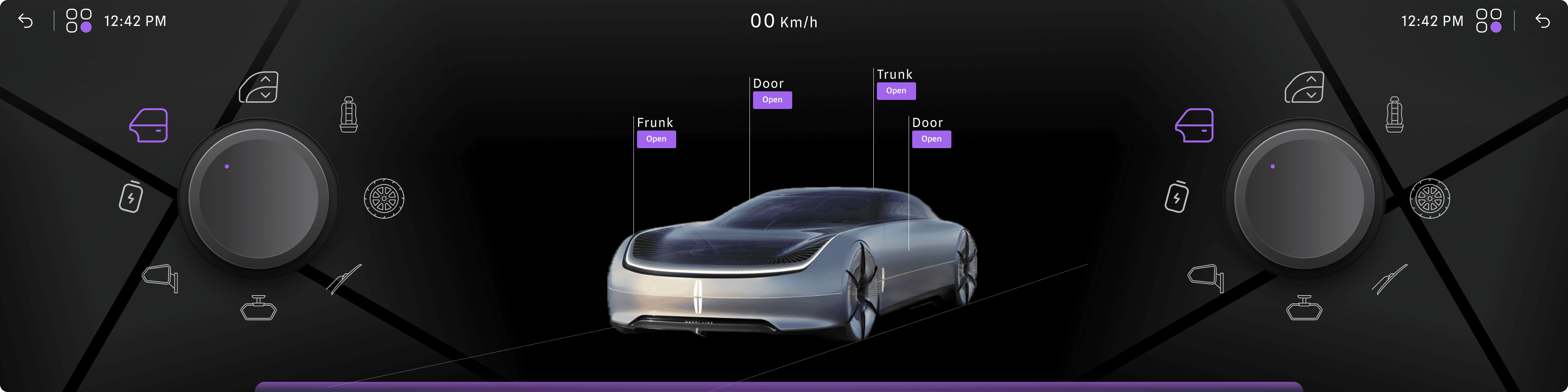
This is the car control screen, where users can manage their vehicle's essential functions. It provides access to key features related to car health, safety, and more, ensuring a seamless and intuitive experience.
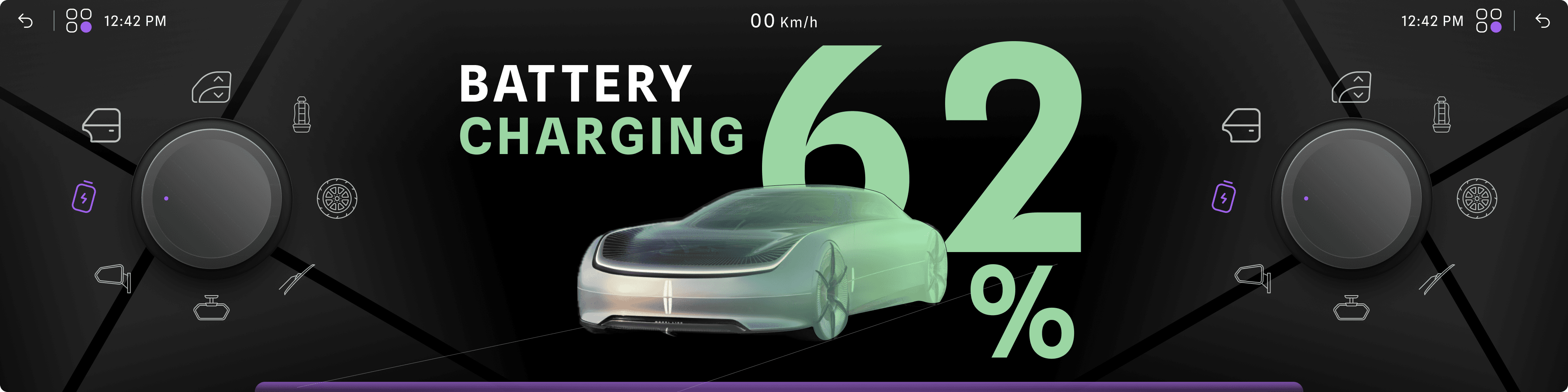
Charge and Battery
This is where the user can see the stats
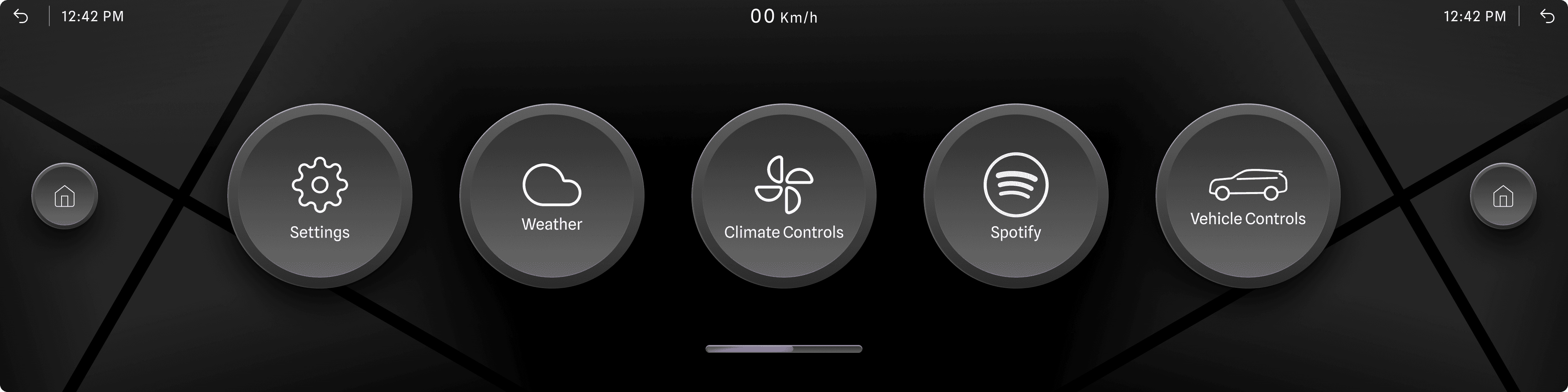
Launchpad/ Menu
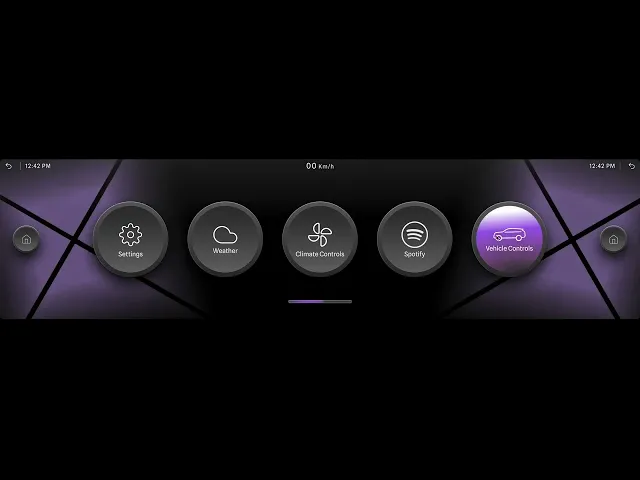
This is the car control screen, where users can manage their vehicle's essential functions. It provides access to key features related to car health, safety, and more, ensuring a seamless and intuitive experience.
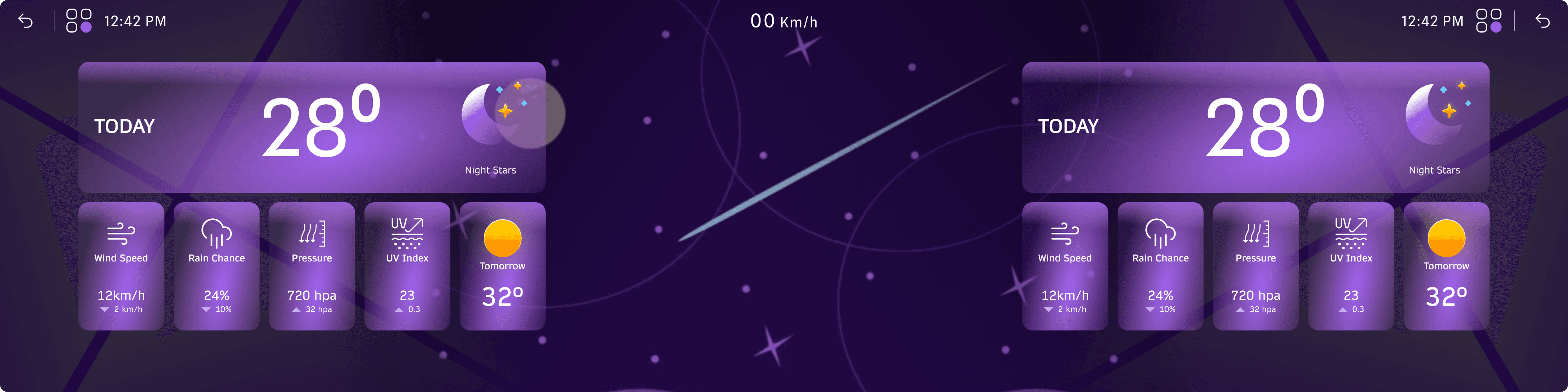
Weather
This is the weather screen, where users can access detailed weather information. It offers dual views, allowing both the driver and passenger to conveniently see the data.
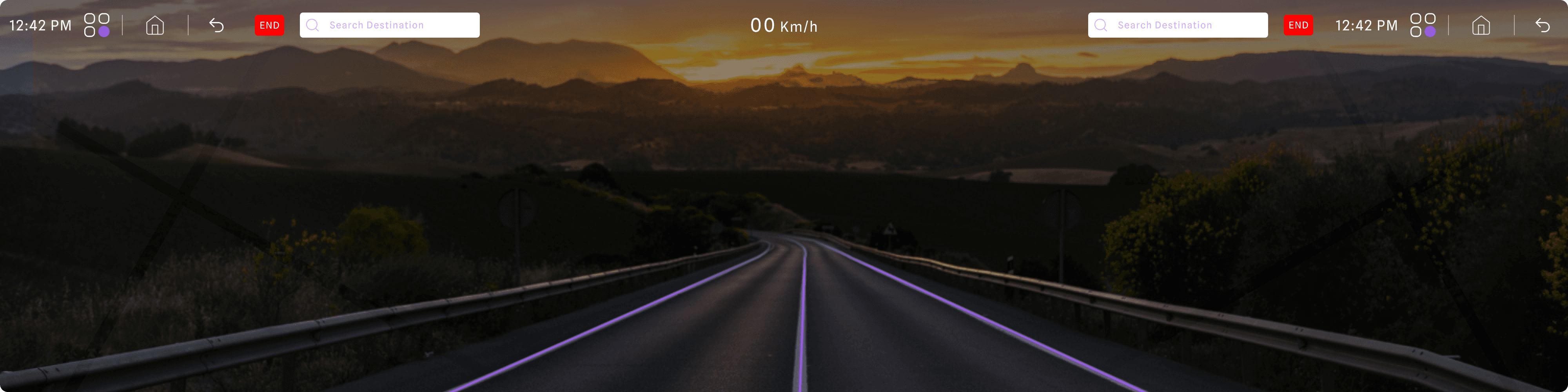
Navigation
This is a representation of a camera map. the car will use the camera’s amounted on the car to navigate.
How it will Look
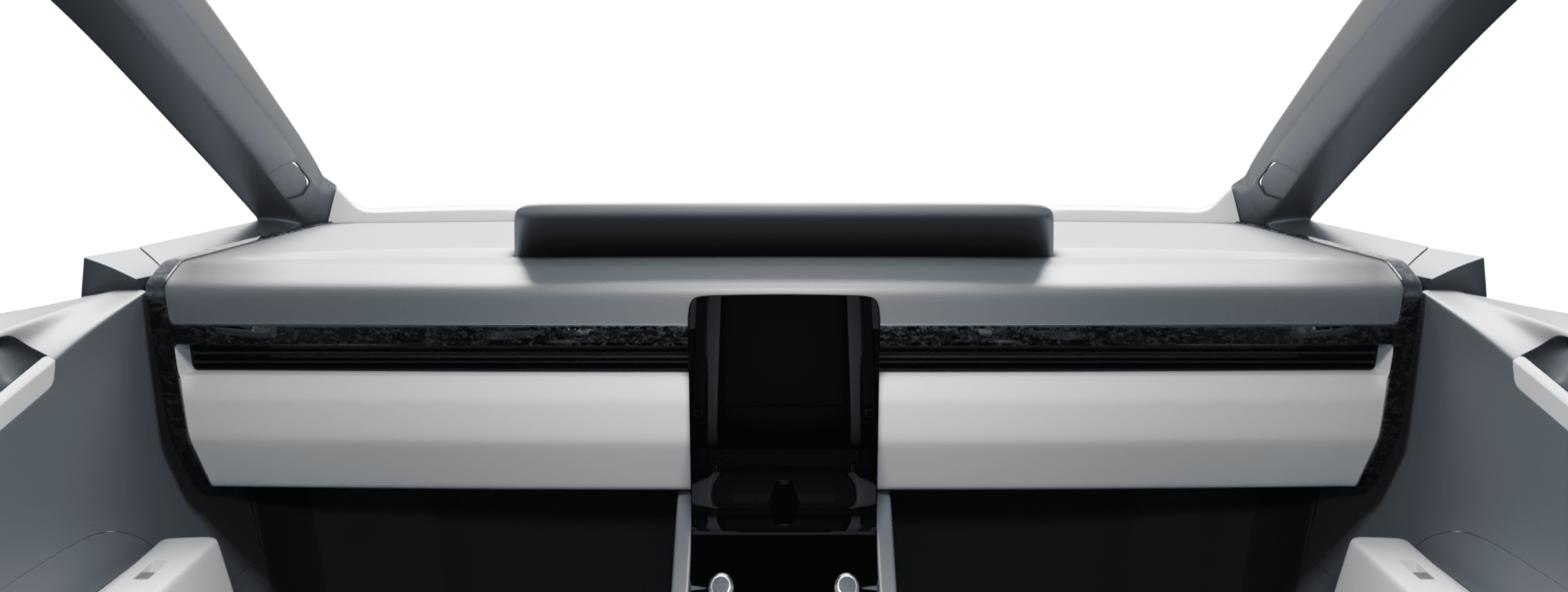
Prototype
THANK YOU
If there’s any question please kindly to ask me. Let’s Discuss
waffledesigns12@gmail.com or +91 96991 82986