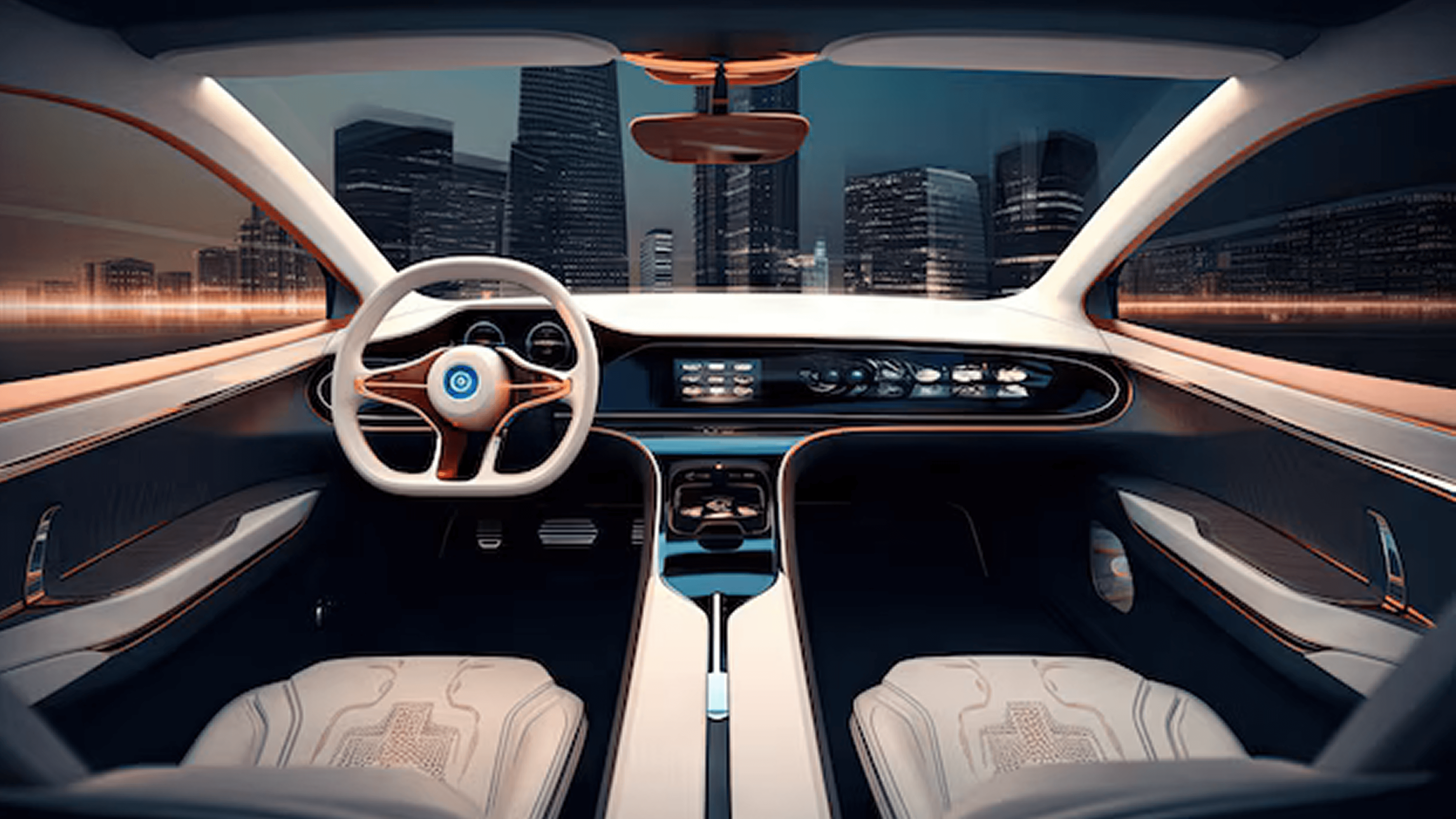
Mini Suv
Cockpit
Infotainment & Cluster Design
Objective
Design Brief
Research & Conceptualisation for
a Four Wheeler Cockpit
that seamlessly integrates advanced technology.
Introduction
The project began with research on Cluster and IVI systems to explore new trends in the market. Given the constant evolution in the design world, this project aims to revolutionize the four-wheeler cockpit by integrating the latest technology, ergonomic designs, and user-friendly interfaces. Our goal is to enhance driving comfort, safety, and user experience, setting a new industry benchmark for innovation.
A peek at what’s inside!
Milestones
Define
Persona
User Journey
Feature List
Benchmarking
Placement
Reach Zones
Typography
Colour
Final Designs
Milestones
WEEK 01
Defined Aim and Objectives, Brainstorming on AI Features
WEEK 02
Benchmarking Visual Design Trends
WEEK 03
Benchmarking Fonts & Colors
WEEK 04
Ideations on Individual Components
WEEK 05
Ideated on Cluster
WEEK 06
Ideated on IVI
WEEK 07
Final Prototype
WEEK 08
Documentation
Define
Car
The vehicle is a compact SUV designed for urban
Target Age
Tailored to the dynamic lifestyle of young adults aged 24-30.
Drive
Left Hand Drive
User
Tech-savvy urban dweller
Goal
Seamless, Vehicle Controls, Entertainment
Market
USA
Persona
Name
John
Age
26
Gender
Male
Type
Urban Driver
Lifestyle
Young Professional, Tech Savvy
Usage
Work travel, Weekend Outing
Needs
Clean, Simple, Minimalist, Stay Informed, Entertained

Users Journey
Stages
Pre Commute
Planning
In-transit
Enroute
Arrival
Post Commute
Actions
Schedules
Air Conditioning
Plans Route
Navigation &
Music Playback via
Voice
Updates on traffic
& weather
Parking assistance
Reviews efficiency
Thoughts
Comfortable ride
which is the
fastest?
smooth &
Safe Drive
Best route?
Park Easily
How efficient
was my Drive
Emotions
Anticipatory
Focused
Relaxed & Engaged
Reassured
Relieved
Satisfied
Painpoints
Remembering
to schedule
Traffic
unpredictability
Distractions while
driving
Sudden Traffic
Change
Tight Parking
Spaces
Battery
efficiency
Touchpoints
IVI System
IVI System,
Traffic updates
IVI System,
Voice Commands
IVI System,
Traffic & Weather
Updates
IVI System,
Parking Assistance
Cluster
Feature list
Cluster
SPEED Info
Navigation
Battery Info
Turn by Turn
Clock
Media
Surround View Monitor
Vehicle Controls
HVAC
Weather
Placement
This shows where we'll put
the cluster and IVI.
The IVI screen is divided asymmetrically, with 30% of the display dedicated to the driver's side and the remaining 70% towards the passenger side.
The instrument cluster is positioned on the left side of the vehicle.
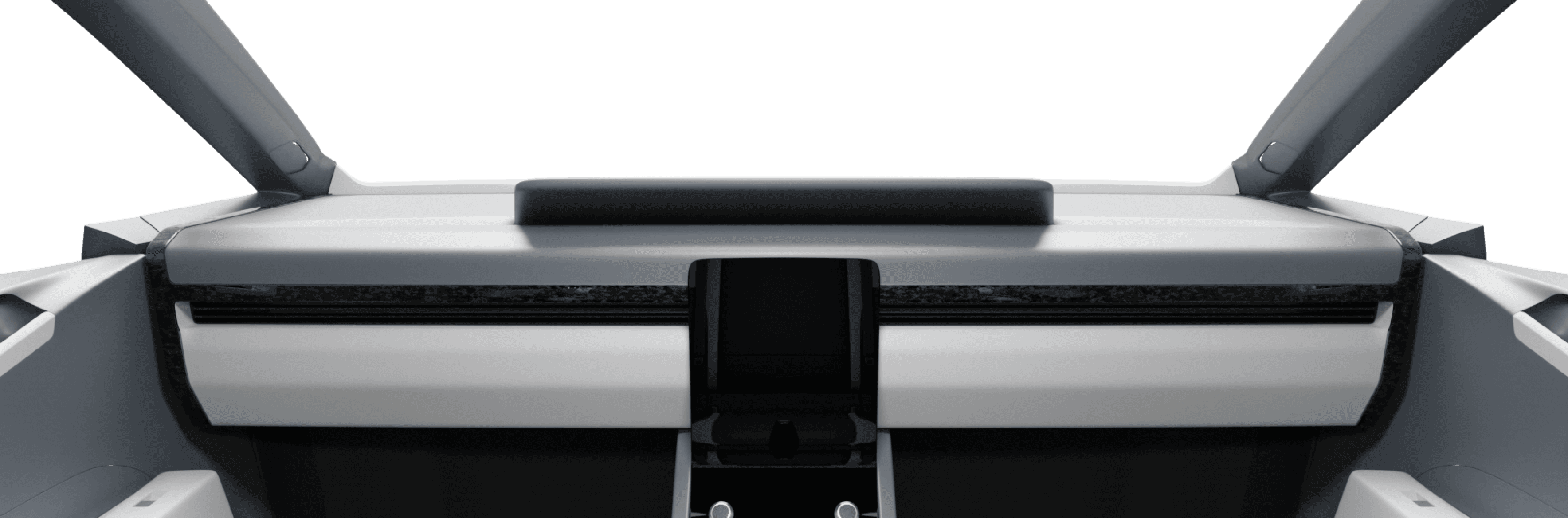
IVI
Cluster
Reach Zones
Cluster
Steering wheel Covers the area of CLuster
Typography
I've narrowed down the Typography options based on industry best practices.
Why
Is an excellent choice for automotive interfaces.
Its clean lines and modern aesthetic align well
with the tech-focused nature of IVI systems.
Considerations
Benchmarking
Legibility
Readability
Simplicity
DaytonaPro - Light
DaytonaPro - Regular
DaytonaPro - SemiBold
DaytonaPro - FAT
18Px . 24Px . 32Px . 40Px . 180Px
Colour Palette
I've narrowed down the Typography options based on industry best practices.
Why
A versatile colour often associated with
trust, reliability, and technology. It can create
a clean and professional atmosphere.
Considerations
Benchmarking
Legibility
Readability
Simplicity
BackGround
Active / Selection
Stroke/Accent
Font
FINAL DEsign
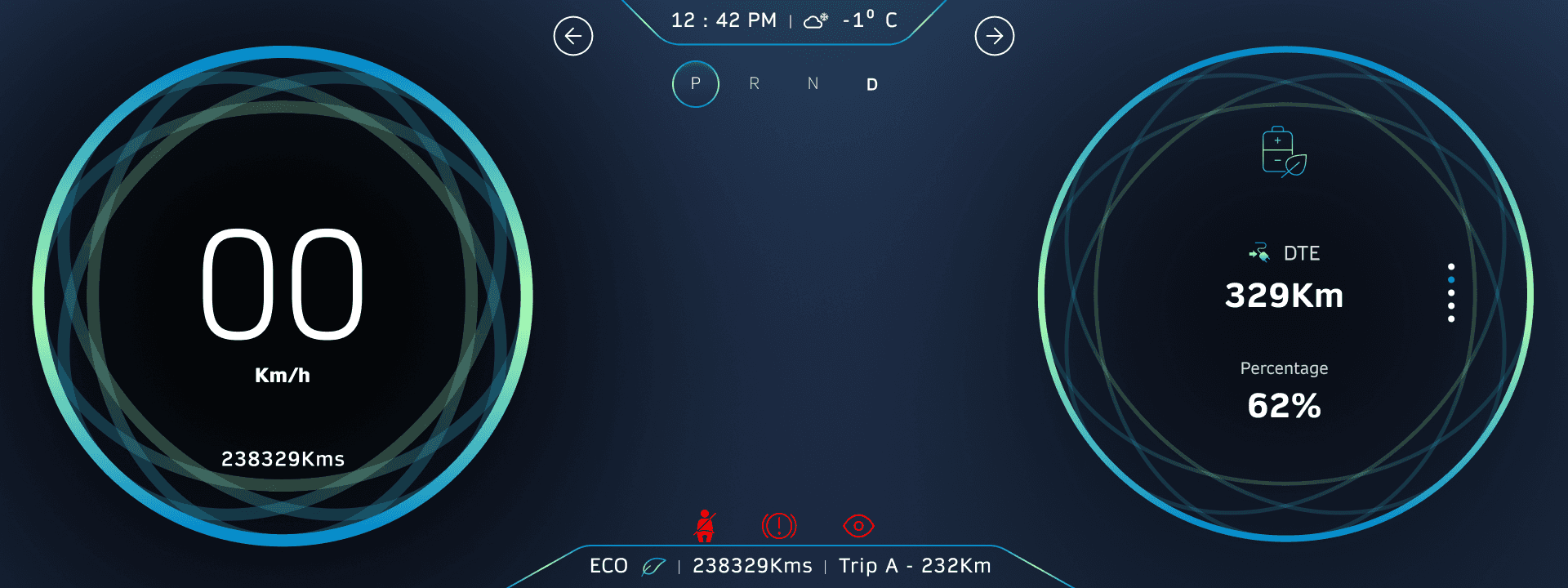
CLUSTER Design
Km/h
238329Kms
CLuster
Dynamic vs Static Area
Static Area
Dynamic Area
CLuster
Dynamic vs Static Area
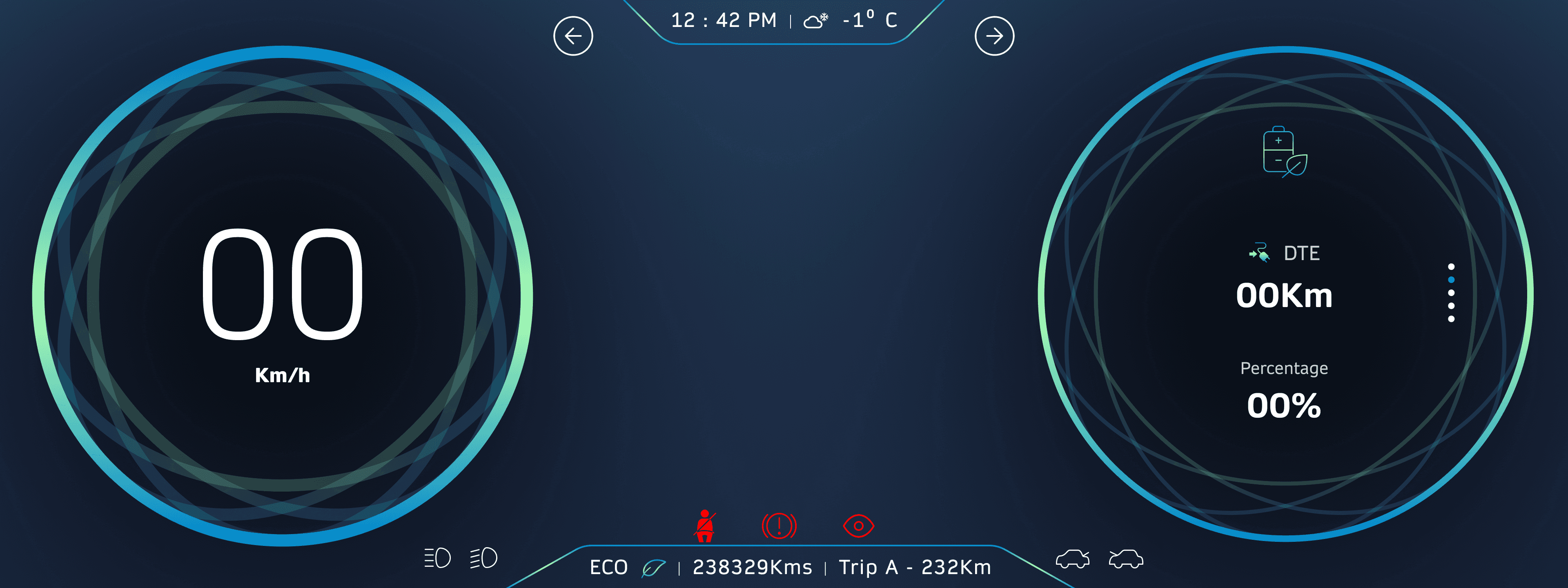
Navigation
Representation of a 2d Map
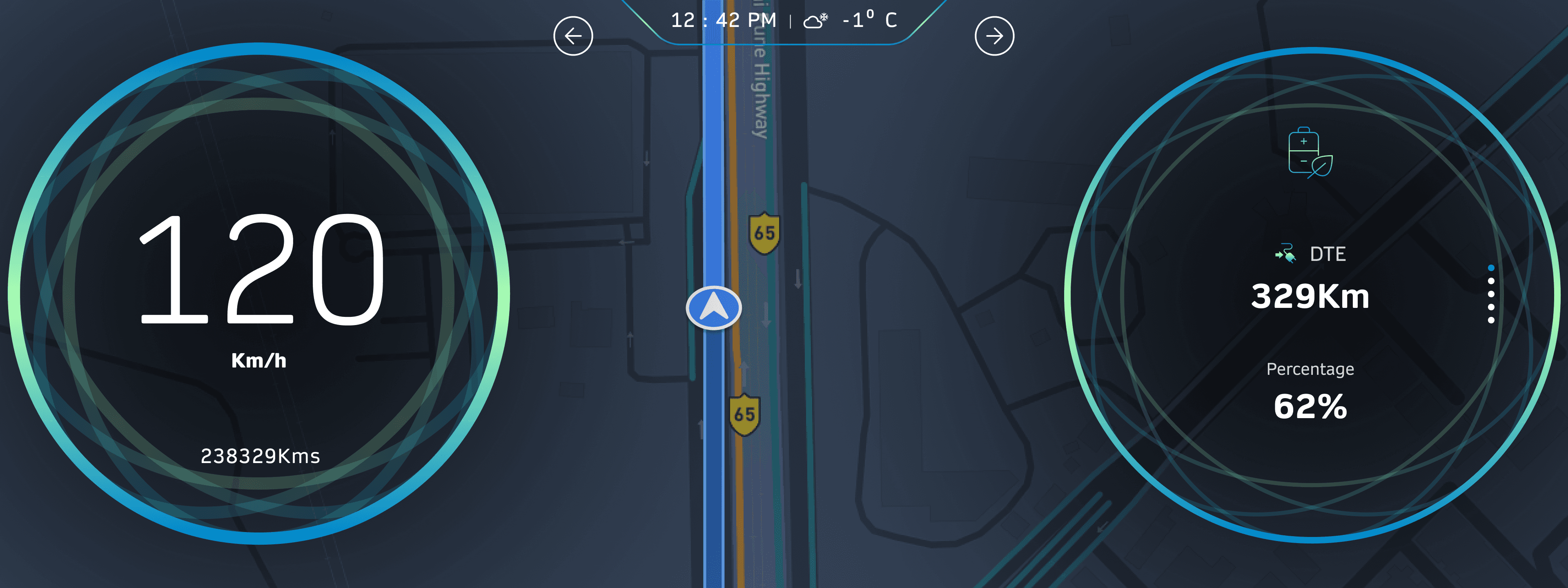
Representation of a Camera Map
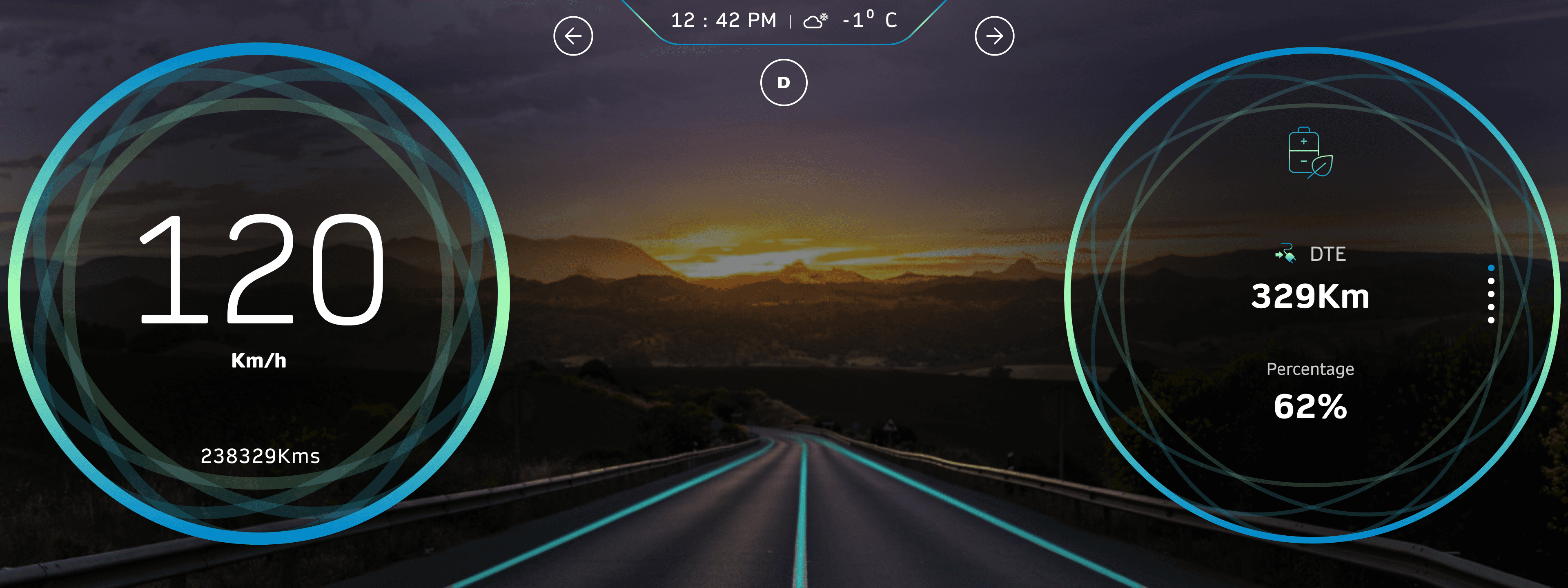
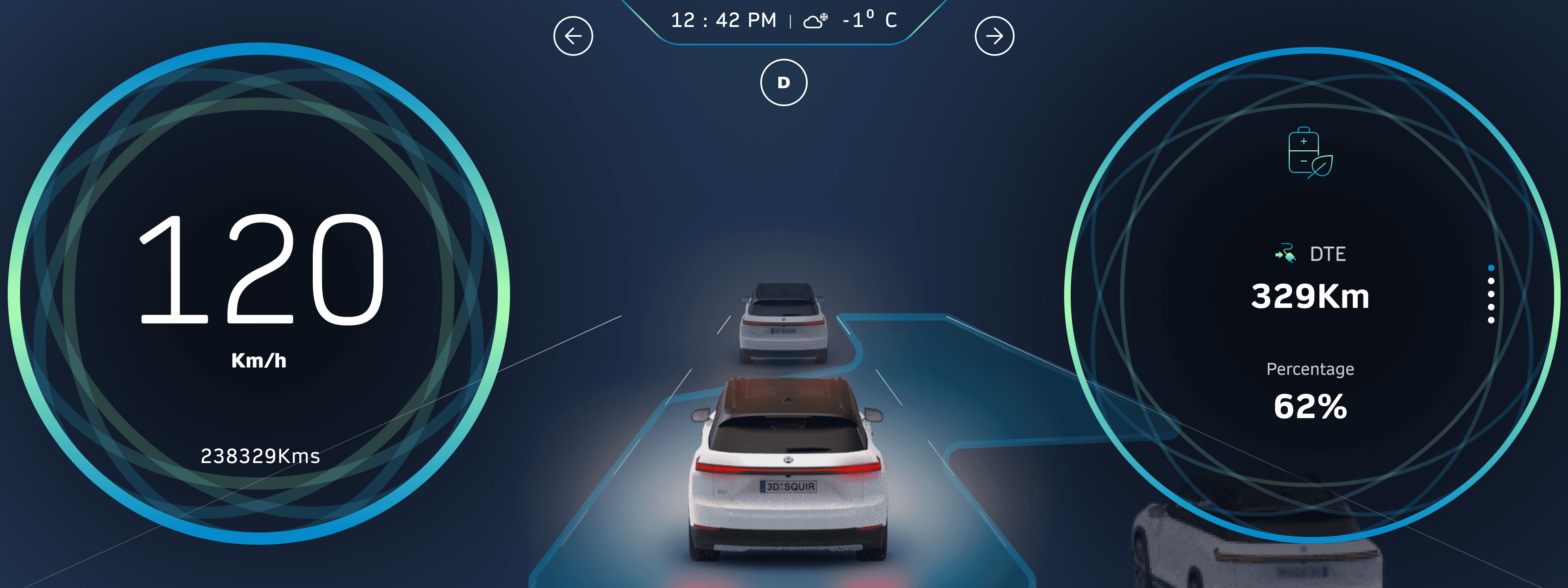
ADAS
This feature activates after clicking a dedicated button on the steering wheel.
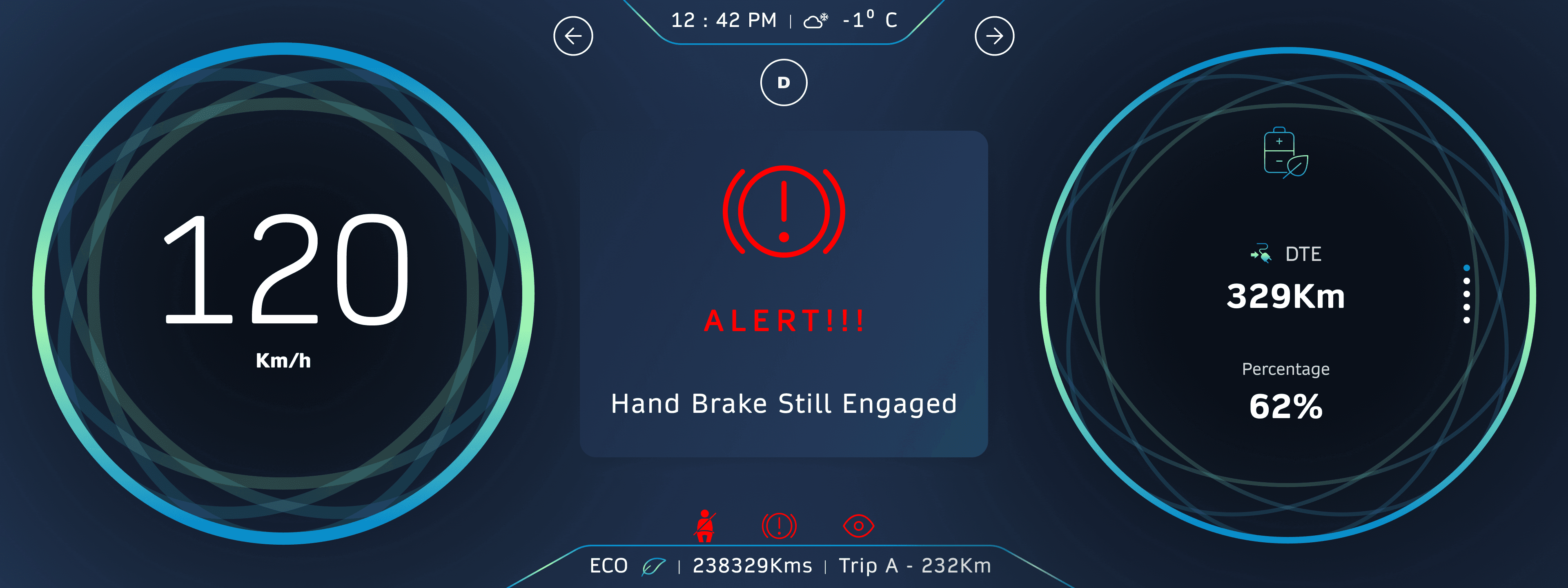
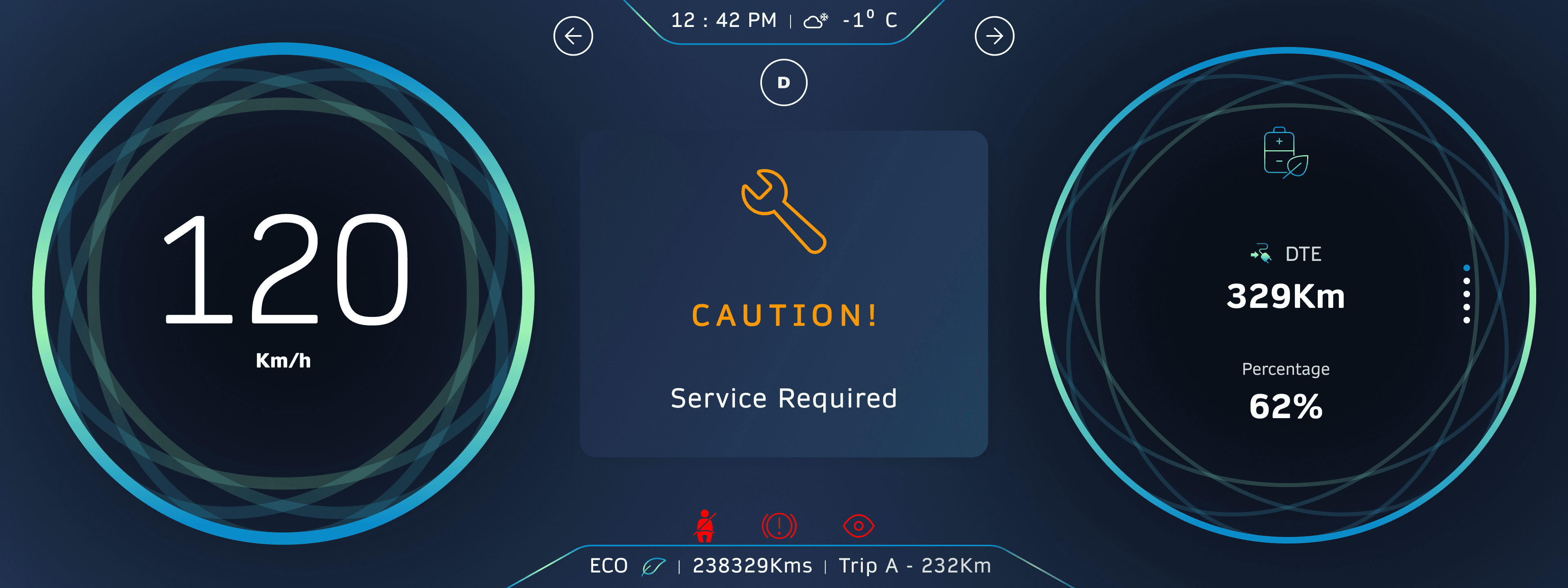
Driver Alerts
The cluster will display alerts in its center area.
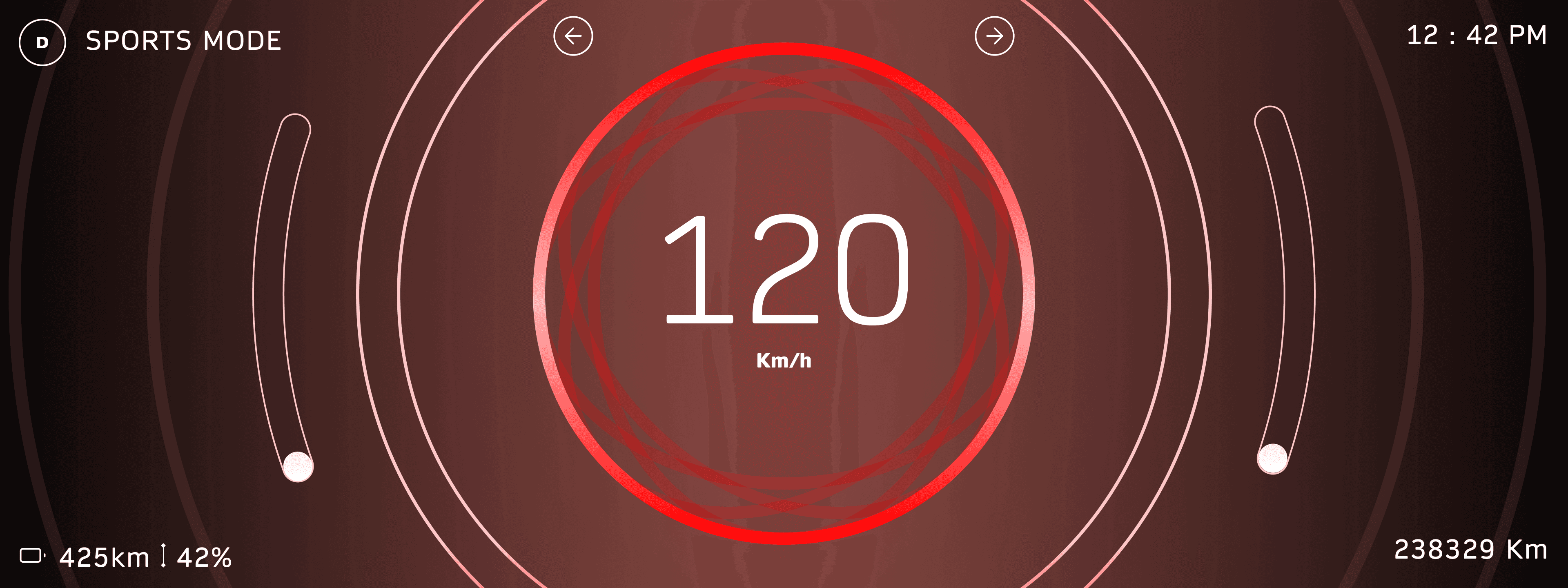
Sports Mode
This is the screen for the Sports Mode when activated.
Safe Mode
This is the safe mode screen, designed for emergency situations.

Master/ Home Button
Time & Date
Weather
Climate Control
Home Screen
This is the home screen which has Vehicle controls(Doors lock, Trunk Etc) and Widgets.
Master / Home Button
A dedicated
control panel
for In-app Controls.
Main Menu
Home Screen Widgets
Voice Assistant

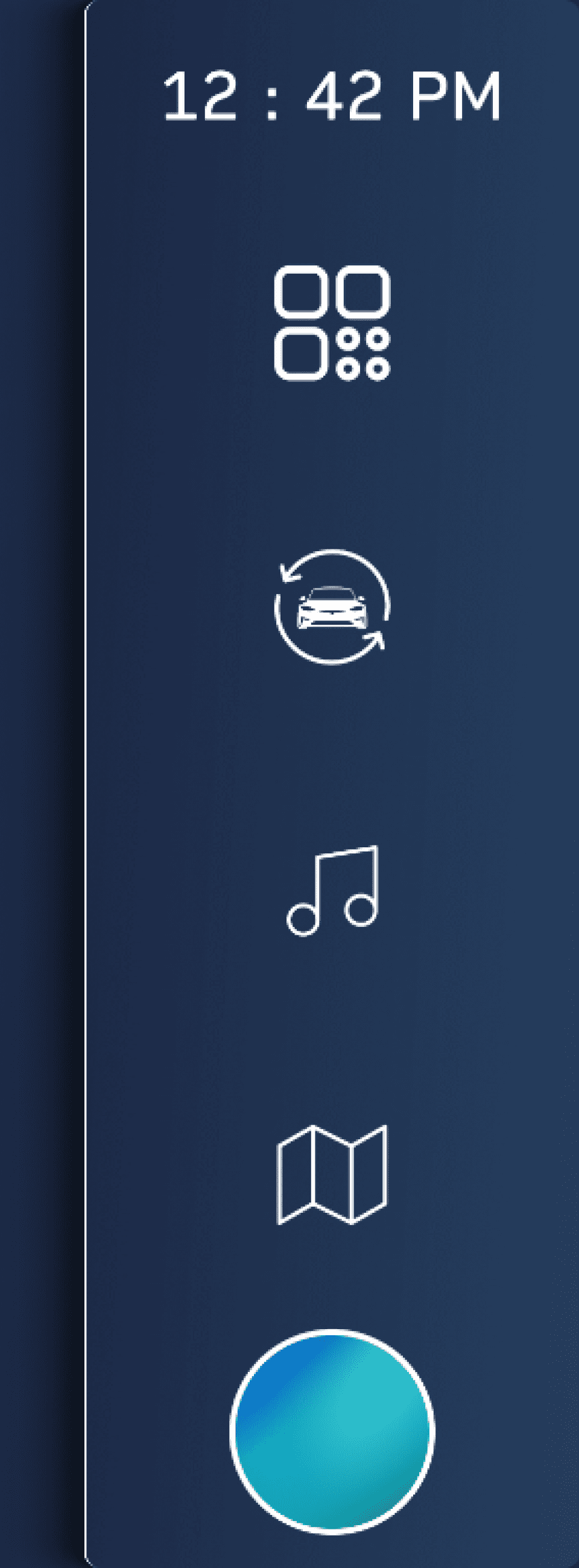
Nav BAr
This is the home screen Navigation bar to control Features
Time
App Drawer
3600 Camera
Music
Navigation
Master / Home Button
Voice Assistant
Voice User Interface turns on as soon as you start the car
Hello,
John!👋
Animation
To activate the assistant
Say the Keywords
example - “Hey Car” OR Hey “Car Brand Name”
Touch the Widget on the Home Screen
Charging & Widget
On the right side the battery Animation comes in when the car is put to charge.

Nav Bar
Navigation
HVAC
Weather
Voice User
Assistant
Date & Time
Battery Charging
Menu for
car Controls
Music

HVAC
The HVAC controls occupy the full screen, allowing both driver and passenger to adjust settings.

Climate control
Controls
SVM & Media Player
When an app is chosen from the menu,
it will either occupy the entire screen (e.g., HVAC, Navigation) or share the screen equally with the menu.
The Menu shrink will be based on which side of the navigation bar was used to open the app drawer.
For example if the drivers Side is used apps will open to the left for easy use of the driver,
if right bar is used it will open on the right side of the screen.

App Drawer
When an app is chosen from the menu,
it will either occupy the entire screen (e.g., HVAC, Navigation) or share the screen equally with the menu.

Navigation
This is the navigation app.


Dialer & Weather
The dialer interface is positioned on the right side of the screen for easy access by both
the driver and passenger. Weather information is displayed on the left side of the screen.

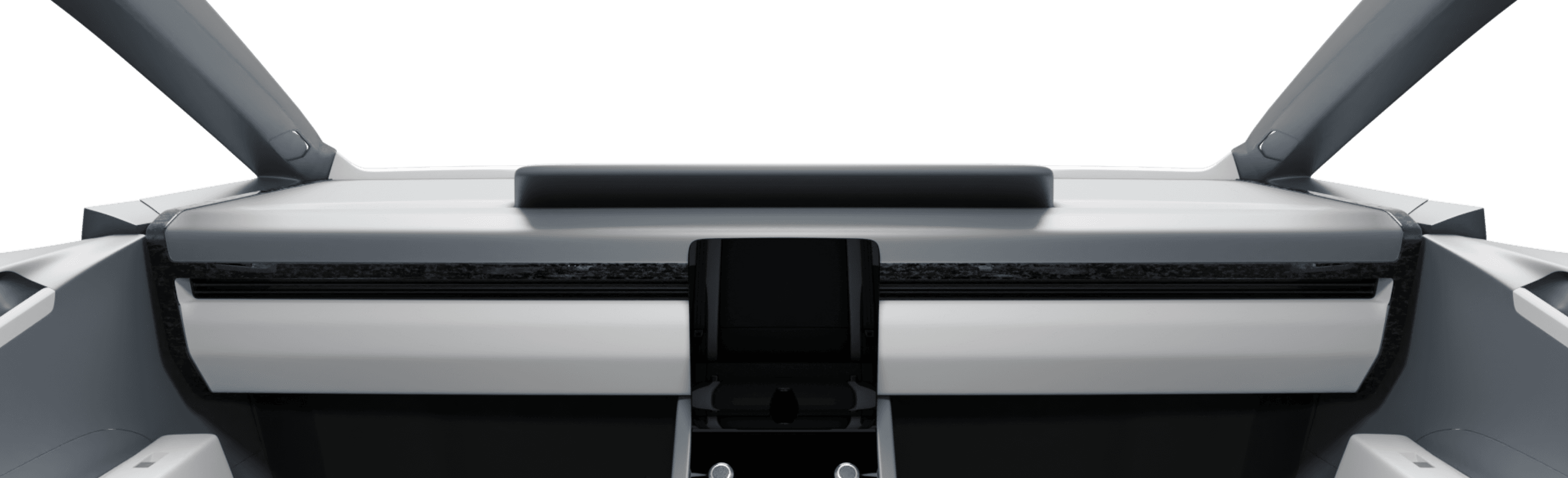
How it will Look
FInal Design

THANK YOU
If there’s any question please kindly to ask me. Let’s Discuss
waffledesigns12@gmail.com or +91 96991 82986